

Windsurf
-
Open the Command Palette (
Ctrl/Cmd + Shift + Por go to View > Command Palette) - Type in “Download Windsurf Logs” and select the option that reads “Download Windsurf Logs File”
- Export or copy the logs and attach the file to your ticket.
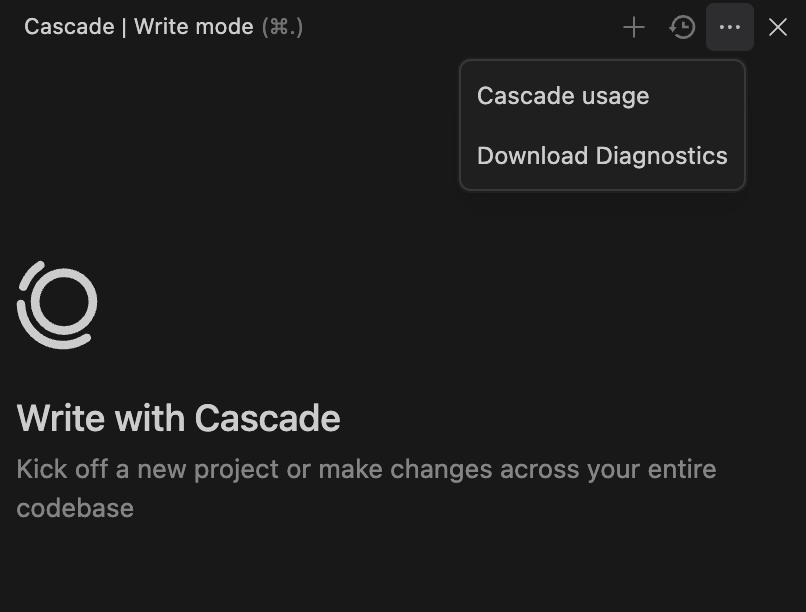
How to download diagnostic logs from Windsurf Editor using the Command Palette or Cascade panel for troubleshooting support.
Ctrl/Cmd + Shift + P or go to View > Command Palette)