Set up Teams and Enterprise plans with team management, SSO, analytics, user groups, and priority support for your organization.
Windsurf scales from solo projects to large-scale enterprise codebases. Our Teams and Enterprise plans unlock collaboration features such as team management, Single Sign-On (SSO), advanced analytics, and priority support.
If your organisation requires extra security or compliance, please contact our sales team.
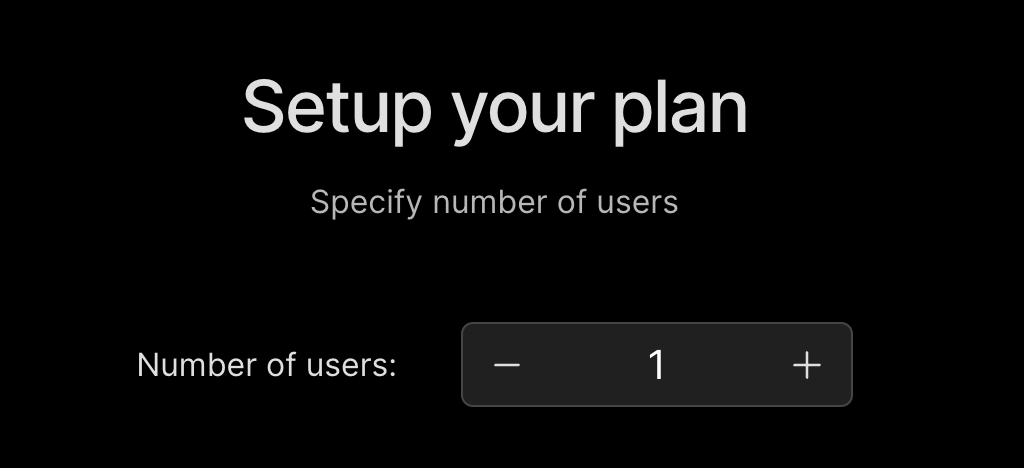
Enter the number of users you want to include in the subscription.
3
Manage and invite team members
Manage Team Members
Windsurf makes managing your team easy from one dashboard.
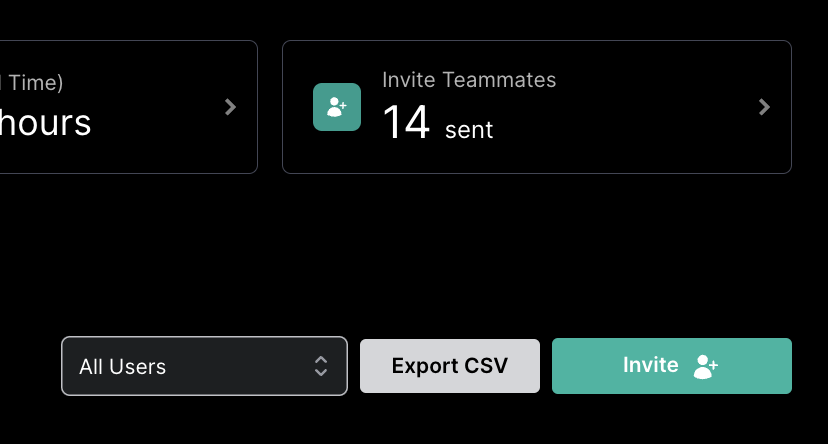
To add members to your team, first navigate to the invite page.Simply click on the “invite” button and then either add via email or share a unique invite link.
4
Configure team settings
Team Settings
Configurable settings for your team.
Select and approve models, MCP servers, SSO configurations, service keys, role management, and more.
You must be a team admin to make changes to the team.
To add or remove members from your team, navigate to the Manage team page.From here, you can invite and view your team, add SSO, update the number of seats in your team, or even cancel or switch your plan.
This feature is only available in Enterprise plans.
Windsurf now supports creating user groups. For each group you can now view analytics per group. You can also configure group administrators who can view analytics for the specific groups they manage.